Leave a meeting
You can have one meeting at a time on one device. To have another meeting, you have to leave the meeting you're in.
Windows and macOS
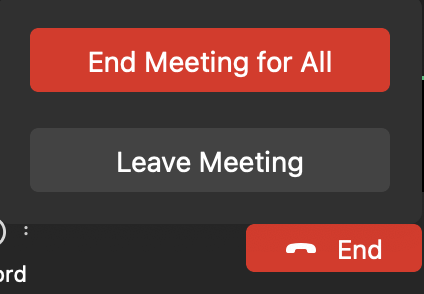
Leave a Meeting for Host Click the End button at the bottom toolbar and a pop-up window with 2 options will appear for the host to choose from.
-
End Meeting for All: When the host ends the meeting for all, then all the participants in the meeting will be forced to leave. No one else will remain in the meeting.
-
Leave Meeting: When the host chooses this option, then the participants can still remain in the meeting after the host leaves the meeting. This also means there will be no host in the meeting. No one can edit the control functions or the participants' permissions, nor end the meeting.
-
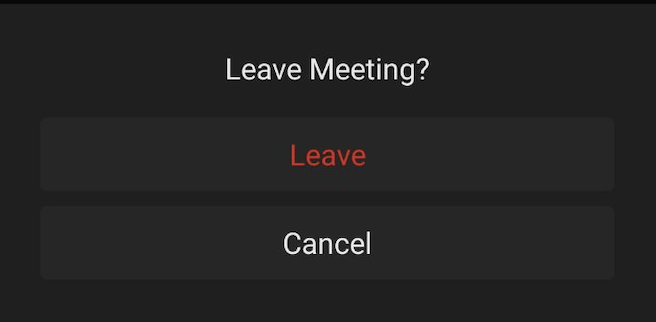
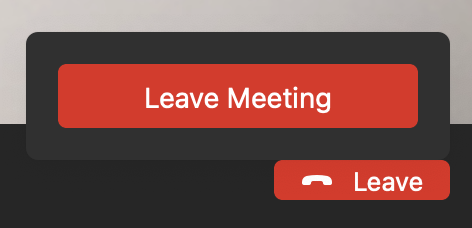
Leave a Meeting for Participants Click the Leave button at the bottom toolbar, confirm to leave on the pop-up window, and it's done.
Android and iOS
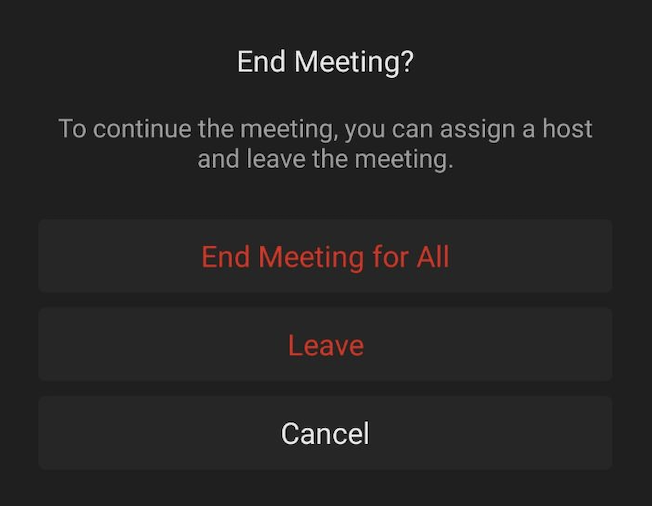
Leave a Meeting for Host Click the End button at the top toolbar and you can choose to leave the meeting or end the meeting for all.
-
End Meeting for All: When the host ends the meeting for all, then all the participants in the meeting will be forced to leave. No one else will remain in the meeting.
-
Leave: When the host chooses this option, then the participants can still remain in the meeting after the host leaves the meeting. This also means there will be no host in the meeting. No one can edit the control functions or the participants' permissions, nor end the meeting.
-
Leave a Meeting for Participants Click the Leave button at the top toolbar, confirm to leave on the pop-up window, and it's done.